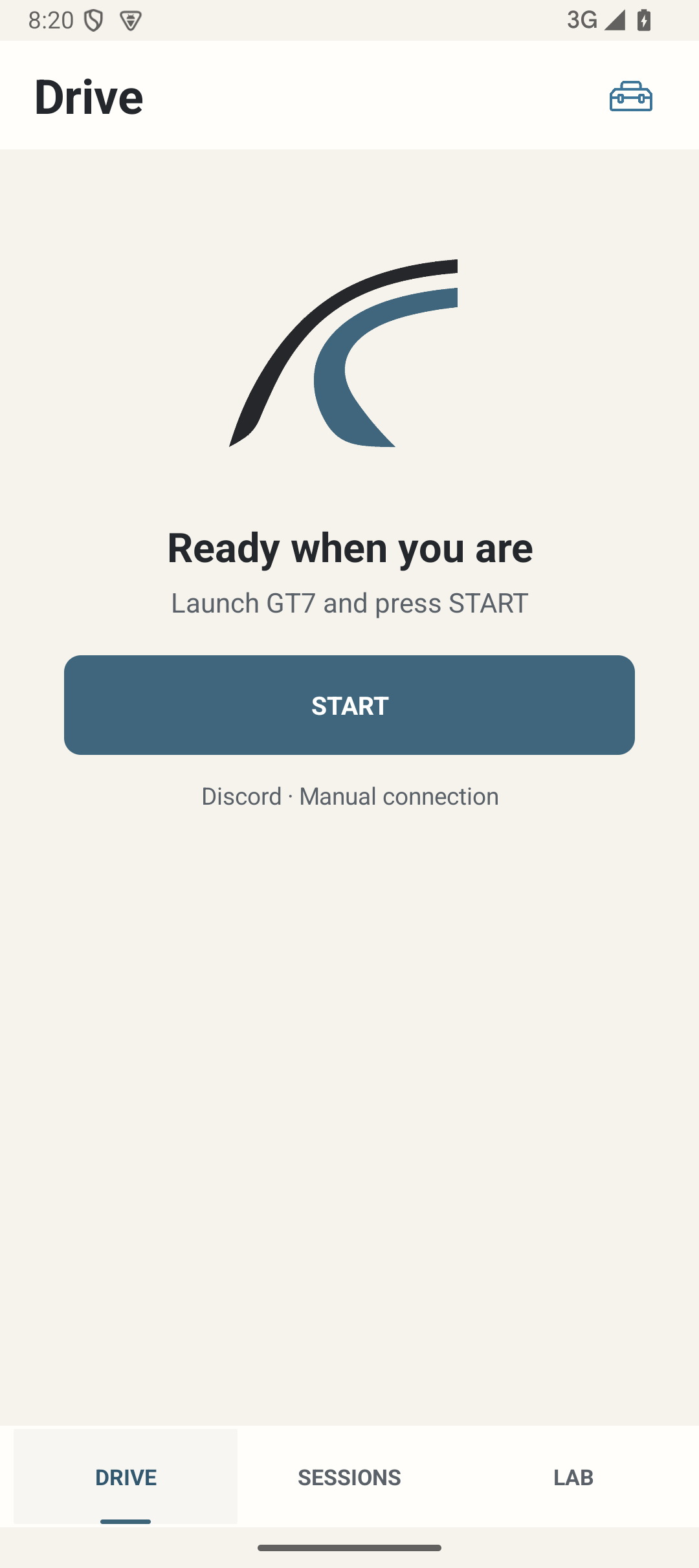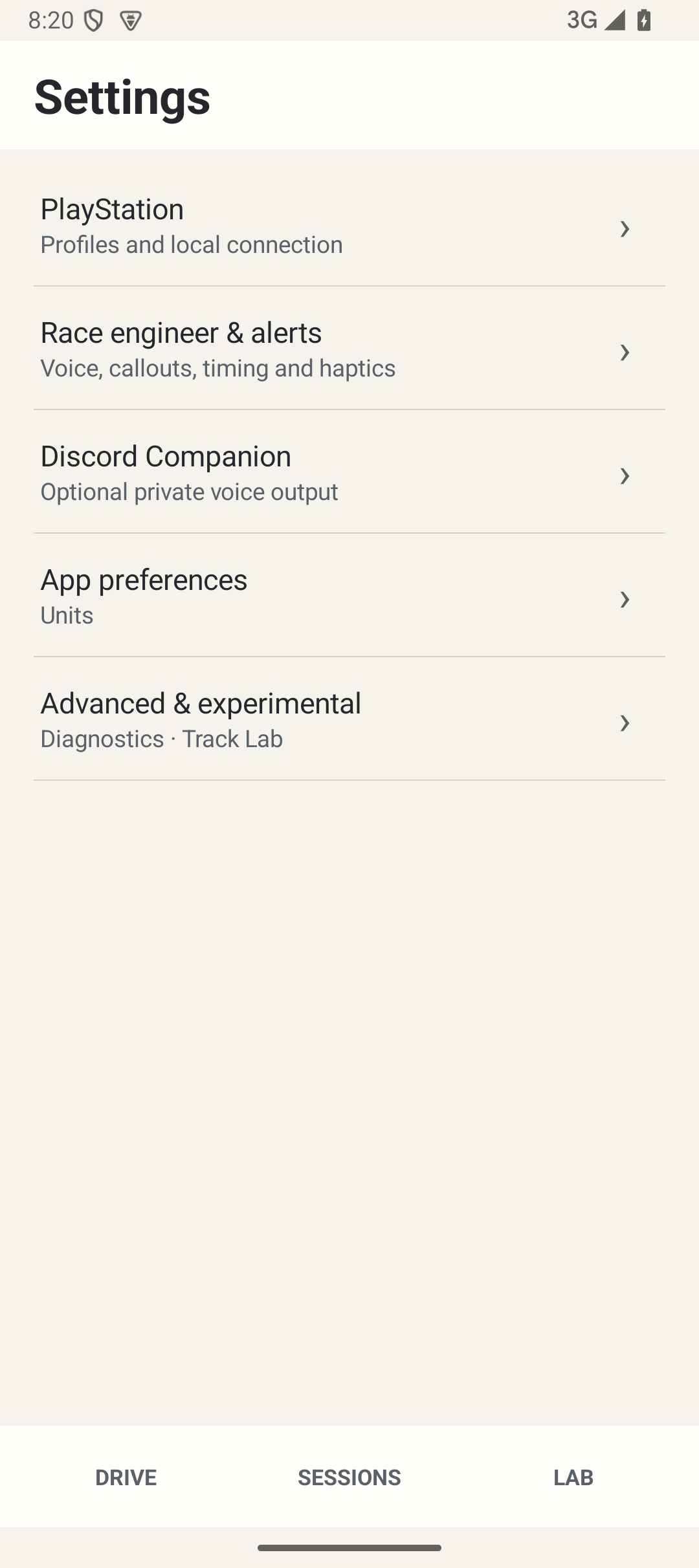
Where: Start on Drive; use the settings icon to configure your PlayStation and local voice.
How to use it
- Use Android 8 or newer for the local core. Optional Discord Companion needs Android 10 or newer on an arm64 device, internet access and a private Discord bot. The core needs GT7 on PlayStation and a reachable local network, not a LapMind account or PC.
- Install only a trusted project-supplied Android package. Follow Android’s installer prompts; do not obtain an unofficial package or share signing/security credentials.
- Put the phone/tablet and PlayStation on the same reachable LAN. Ethernet on the console and Wi-Fi on the phone can work together. Avoid guest networks that isolate devices.
- Open Settings → PlayStation, add the console’s current IPv4 address and choose Connect. The first connection starts the normal driving flow; there is no second START required for that action.
- In Race engineer & alerts → Voice & sound, use Preview voice. Enter a race, practice or Time Trial in GT7. Waiting for GT7 is different from actual telemetry being received.
- Complete eligible laps. Open Sessions, select the saved Session and choose Open in LAB when detailed lap data is available.
- LapMind handles race/session boundaries automatically. Use FINISH when you are done driving; use Fully close LapMind to stop all active LapMind services.
Options and defaults
This workflow uses the explicit actions described above; it introduces no additional saved setting or automatic default.
How it works
LapMind supports HUD-off driving by speaking selected, supported facts. It is deliberately quiet; it does not replace GT7 or invent missing data. Review and configuration belong before or after driving.
Limitations
A successful install or local voice preview does not validate GT7 reception or PS5 headset audio. Track LAB is experimental.