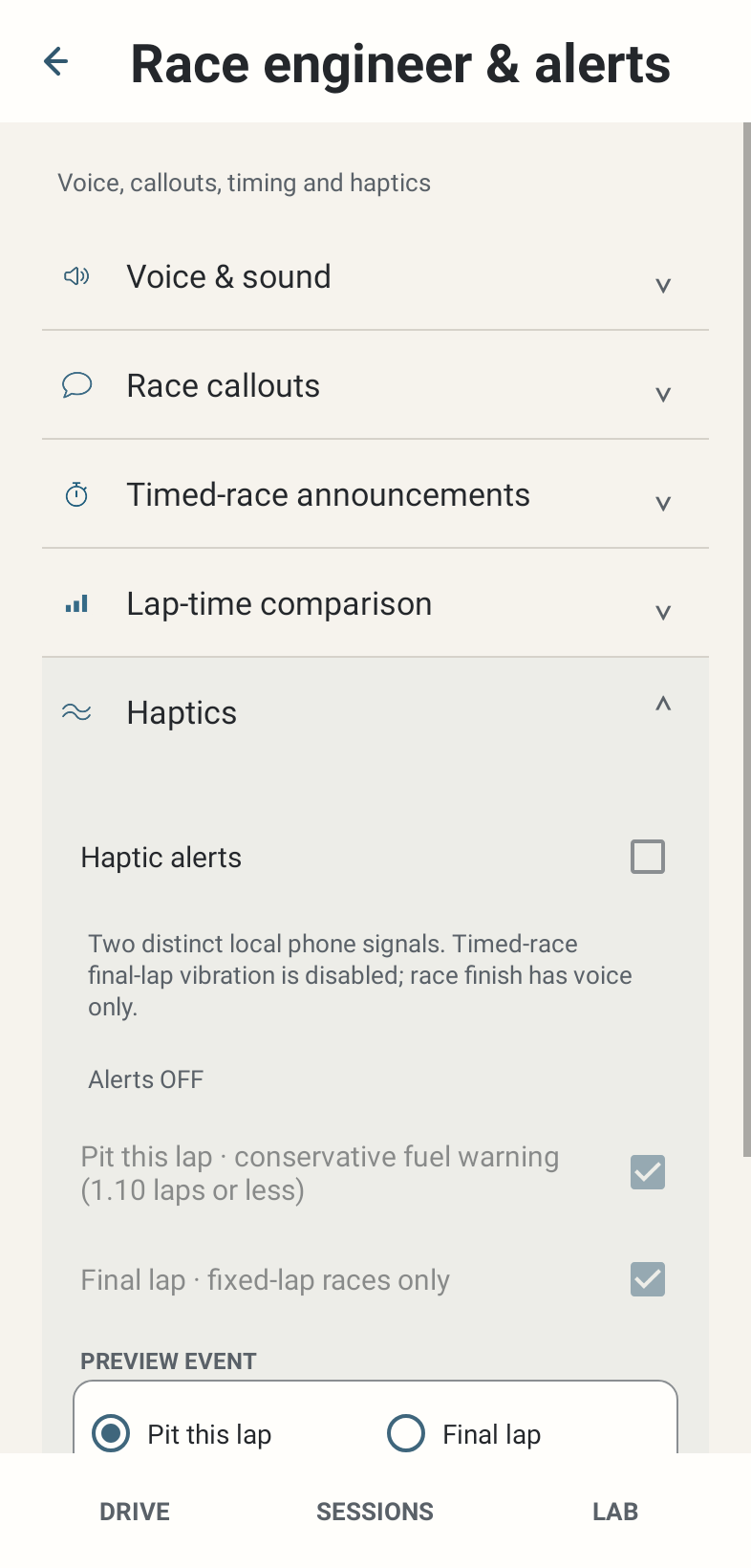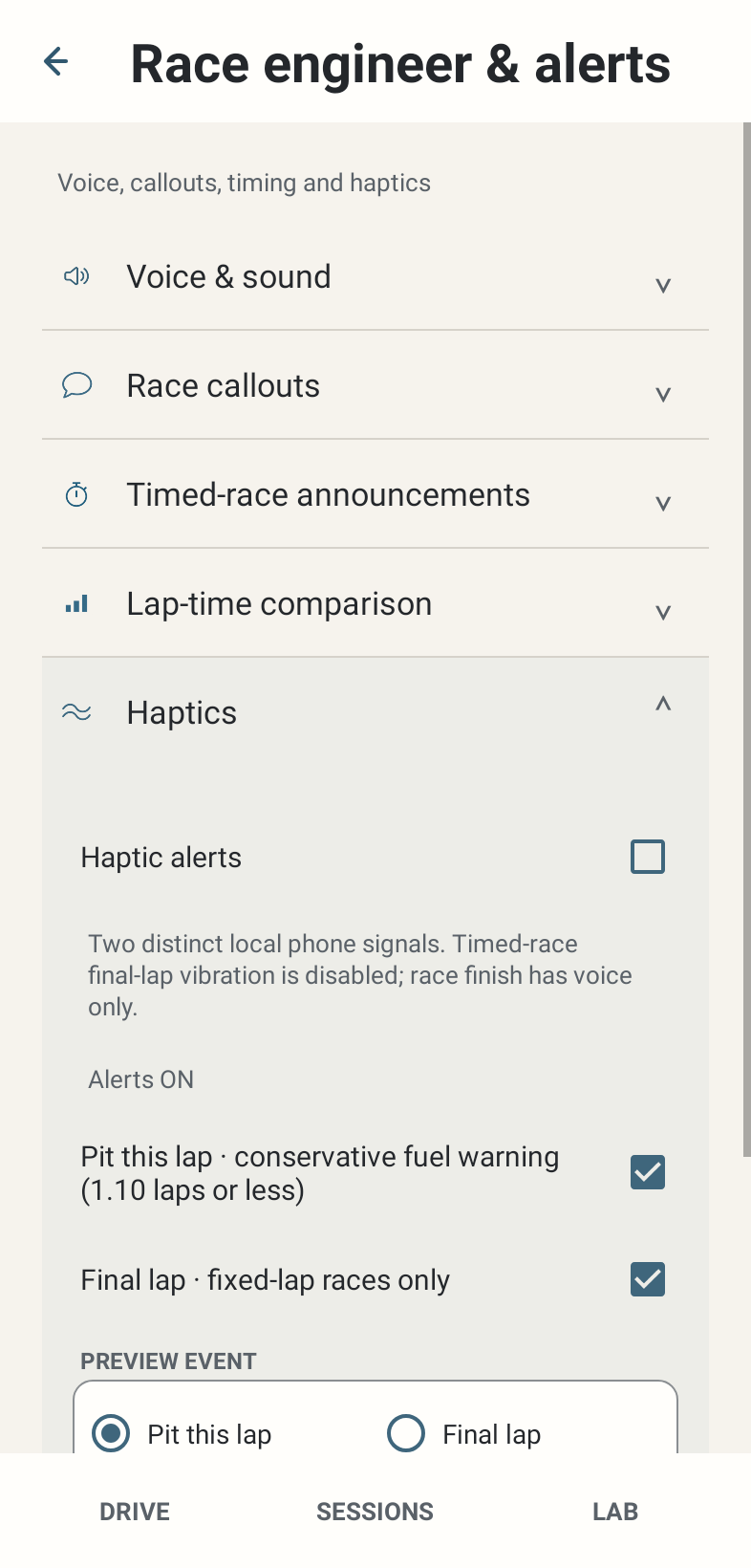
Where: Race engineer & alerts → Haptics.
How to use it
- Enable Vibration / haptic alerts for automatic phone vibration. Alerts ON/OFF occupies a stable status line; saved child choices remain selected while inactive.
- Pit this lap uses three short pulses, repeated three times. Fixed Final Lap uses paired longer pulses, repeated three times. Use preview to learn them.
- Select Pit this lap or Final lap under Preview event, then press Preview vibration. Manual preview remains available even with automatic alerts OFF.
- Place the phone where vibration is useful without distracting from driving. A device without a vibrator cannot produce the signal.
Options and defaults
Vibration / haptic alerts
- Default
- OFF
- Options
- On / Off
- Meaning
- Automatic haptic master
Pit this lap haptic
- Default
- ON, inactive until master ON
- Options
- On / Off
- Meaning
- Conservative ≤1.10-lap event
Final lap haptic
- Default
- ON, inactive until master ON
- Options
- On / Off
- Meaning
- Fixed-lap event
Preview event
- Default
- Pit this lap
- Options
- Pit this lap / Final lap
- Meaning
- Manual choice; no saved race eligibility claim
Preview vibration
- Default
- Manual action
- Options
- Play selected pattern
- Meaning
- Available with master OFF
How it works
Automatic Pit alert requires a valid conservative fuel-lap event at 1.10 laps or less. Final Lap haptic is fixed-lap only. Voice OFF does not disable haptics. Preview bypasses factual race eligibility because it is a deliberate manual action.
Limitations
Android/device vibration support and system configuration affect perception. During a recognised GT7 pause an active signal is cancelled and may replay on resume if still eligible; lifecycle reset/FINISH cancels active output. Preview success does not prove an actual race event qualified.