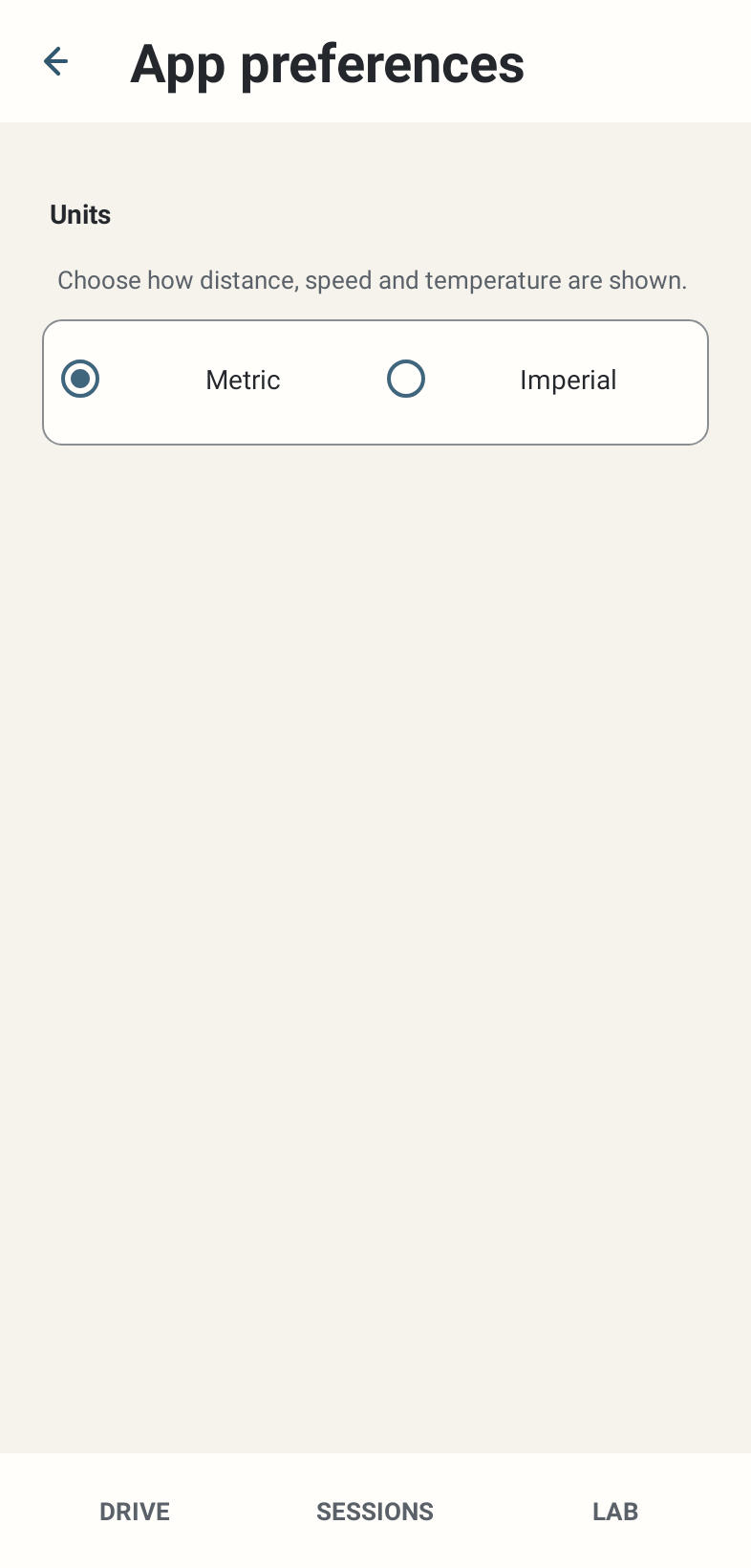
Where: Settings → App preferences → Units; Advanced & experimental → Device. Unknown car naming appears only for an eligible unknown current car.
How to use it
- Choose Metric or Imperial for displayed distance, speed and temperature. Metric is the fresh default; stored Session measurements remain canonical rather than being rewritten.
- Keep screen awake defaults OFF. Enable it when you want the app’s foreground screen kept on; it does not promise background execution or prevent all Android power restrictions.
- When the unknown-car override is exposed, enter a useful manufacturer/model name and use the explicit save action. It labels a known numeric car ID locally; it is not a new telemetry decoder.
- Public Beta is intentionally English-only. Dormant translation infrastructure is not a supported importable language feature.
Options and defaults
Units
- Default
- Metric
- Options
- Metric / Imperial
- Meaning
- Display conversion
Keep screen awake
- Default
- OFF
- Options
- On / Off
- Meaning
- Foreground screen behaviour
Unknown car name override
- Default
- No override
- Options
- User-entered label when exposed
- Meaning
- Local car-ID label; optional
How it works
Preferences change presentation or local labels. They do not change GT7 physics, fuel computation, Session trace sampling or map geometry.
Limitations
A car naming control may be absent when the car is already known or no eligible ID exists. The app uses English; custom language import and export are not available.