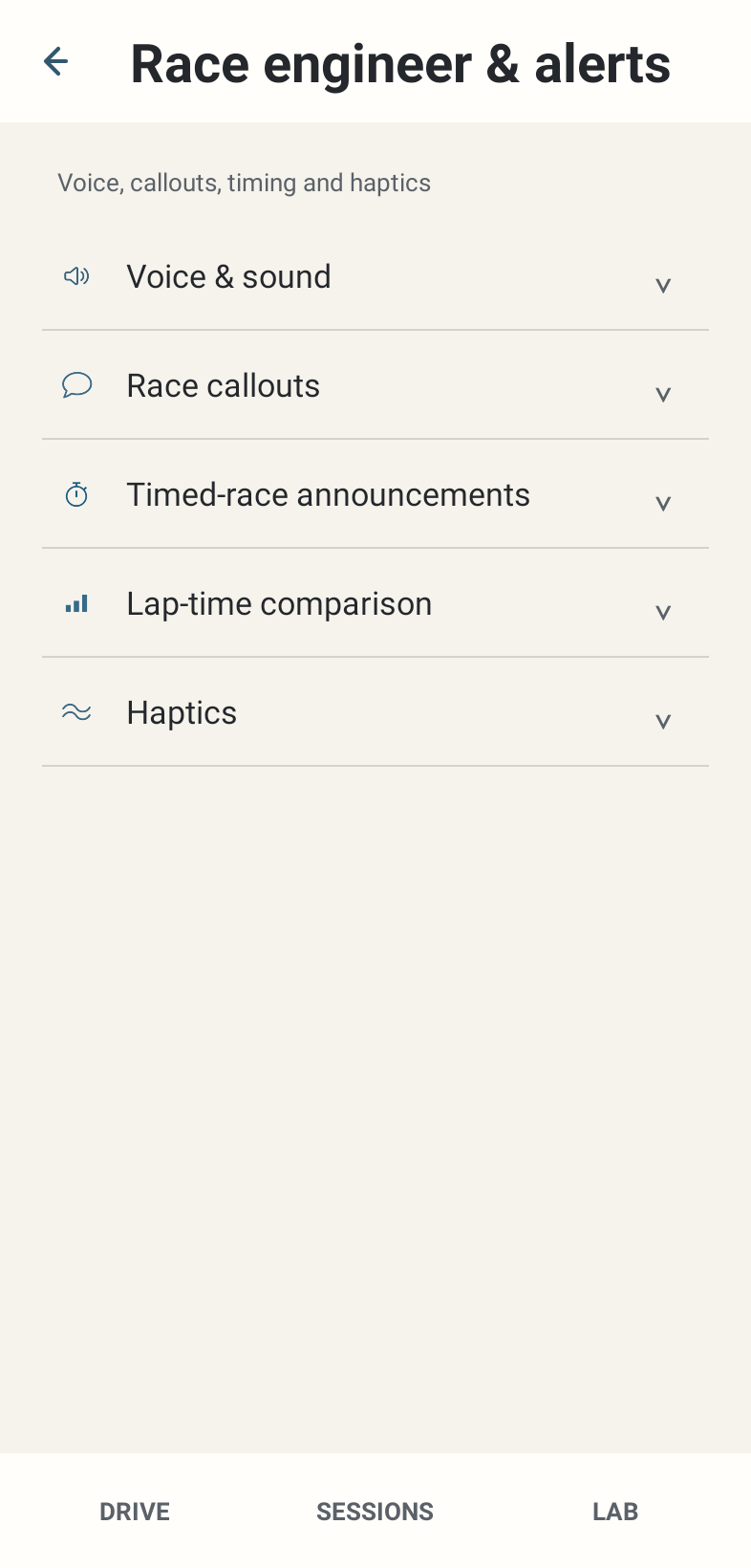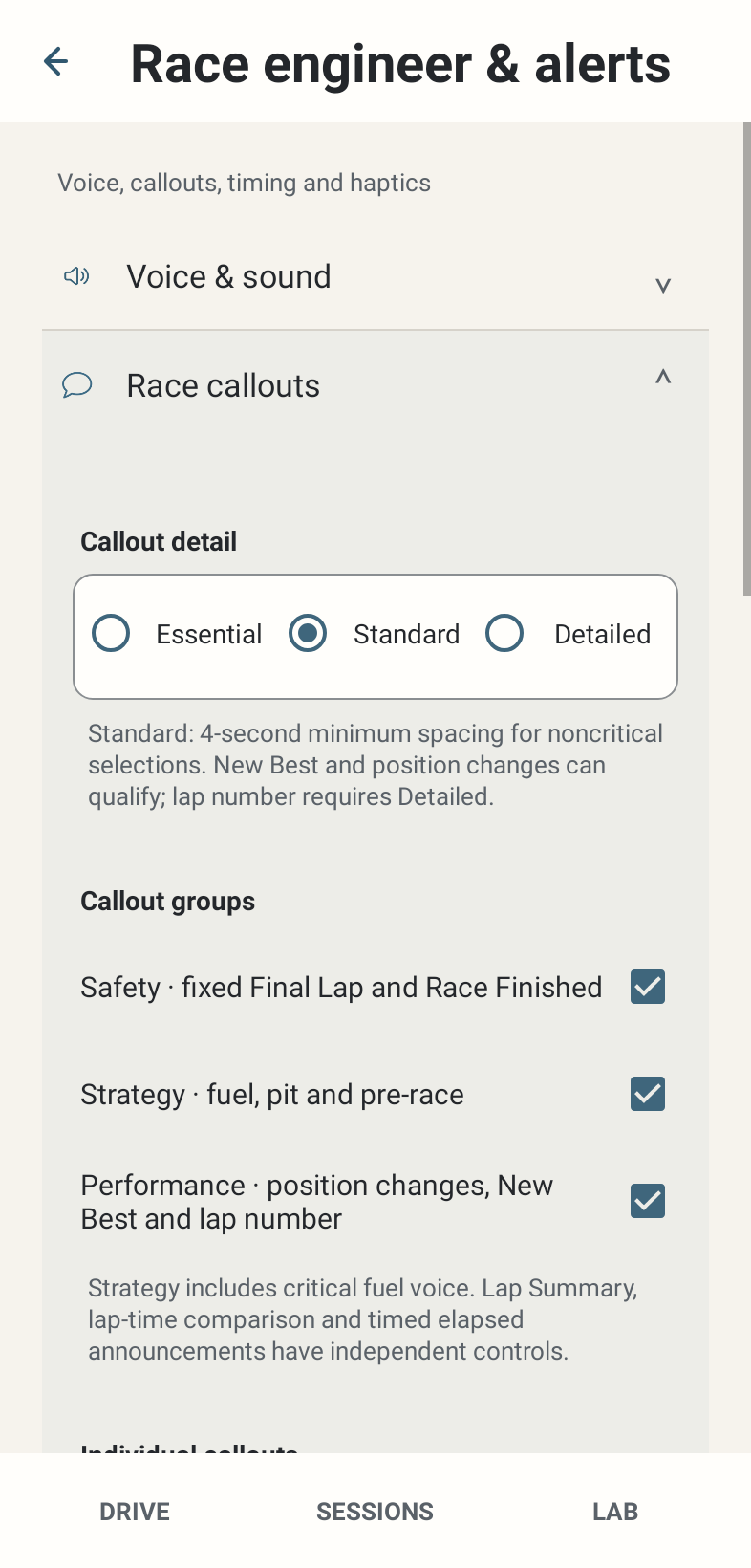
Where: Race engineer & alerts → Race callouts → Callout detail / Callout groups.
How to use it
- Select Essential, Standard or Detailed. Read the selected-mode explanation; the choice changes content eligibility as well as ordinary message spacing.
- Keep the relevant group enabled. Safety owns fixed Final Lap and Race Finished. Strategy owns fuel/pit speech and pre-race briefing. Performance owns standalone position, New Best and lap number.
- If a checked child is muted with an Inactive reason, change the named parent or mode to make it effective. The saved child selection is preserved.
- Lap Summary, lap-time comparison and timed elapsed controls are independent of these groups. Summary can report reliable position/fuel even when the corresponding standalone control is OFF.
Options and defaults
Callout detail
- Default
- Standard
- Options
- Essential / Standard / Detailed
- Meaning
- Eligibility and ordinary spacing differ
Safety
- Default
- ON
- Options
- On / Off
- Meaning
- Fixed Final Lap and Race Finished
Strategy
- Default
- ON
- Options
- On / Off
- Meaning
- Fuel, pit and pre-race speech
Performance
- Default
- ON
- Options
- On / Off
- Meaning
- Standalone position, New Best and lap number
How it works
Essential uses 7-second ordinary generator spacing and excludes standalone New Best, position and lap number. Standard uses 4 seconds, allows eligible New Best/position, and excludes lap number. Detailed uses 2.5 seconds and can allow lap number. Urgent messages keep precedence. These are selection rules, not promised speech-start times.
Limitations
An effective ON setting authorises a qualified event; it does not promise unconditional or repeated audio. Critical fuel voice belongs to Strategy, not Safety. Changing a parent does not erase children.