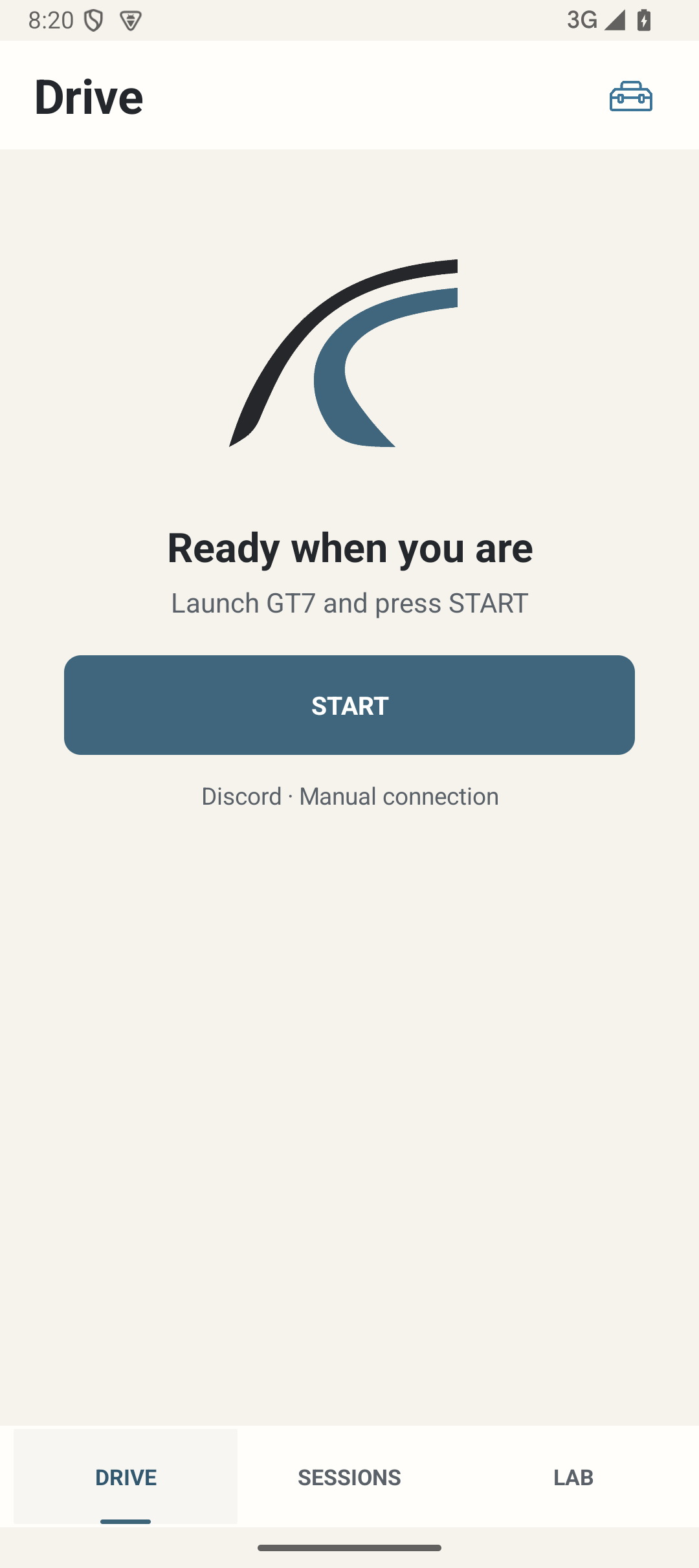
Where: Drive, from the bottom navigation. Settings is reached with the header settings icon.
How to use it
- With saved consoles, press START to begin a driving period. With no saved profile, START leads to PlayStation setup.
- Read the state text. Receiver starting or waiting means LapMind has begun listening; only fresh accepted GT7 telemetry establishes telemetry-active connection. A saved address or reachable console is not proof.
- When available, Live shows position, lap, fuel, fuel laps, last lap and best lap. A blank or unavailable value is not a zero measurement. Pre-race/session information is shown only when supported.
- Use Mute voice / the corresponding unmute action for local speech. It does not disconnect optional Discord or disable haptics.
- Allow automatic race and Session transitions. FINISH asks for confirmation, stops telemetry and disconnects Discord. It is for ending your driving period, not for marking each race.
- Fully close LapMind confirms shutdown of telemetry, Discord and active services; an active diagnostics recorder is stopped orderly. Ordinary navigation or Android Back is not the same command.
Options and defaults
START
- Default
- Manual action
- Options
- Start or set up a driving period
- Meaning
- Uses saved target order; no target means setup
Mute voice
- Default
- Voice initially ON
- Options
- Local mute / unmute
- Meaning
- Discord and haptics have their own settings
FINISH
- Default
- Manual confirmed action
- Options
- End driving period
- Meaning
- Stops telemetry and Discord; app may remain open
Fully close LapMind
- Default
- Manual confirmed action
- Options
- Complete shutdown
- Meaning
- Stops active app services
How it works
Smart START prioritises saved consoles using successful-use evidence. An explicit saved-card Connect targets that console only. Connection recovery must receive fresh data; it must not turn stale state into a successful connection.
Limitations
Live facts depend on the current activity and telemetry. Returning to a page does not recreate lost data. GT7 pause/menu state can suppress output; there is no separate user-facing Pause recorder button on Drive. Configure before driving.