
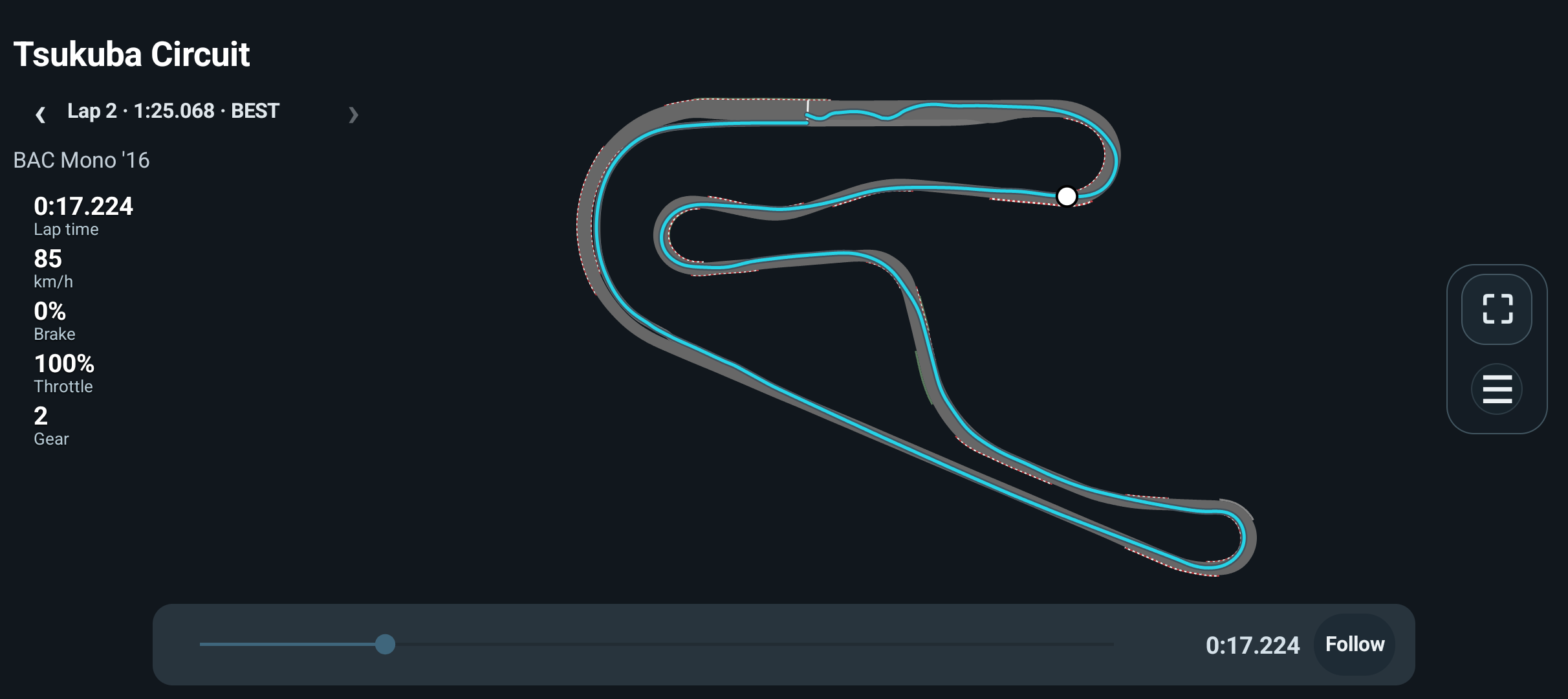
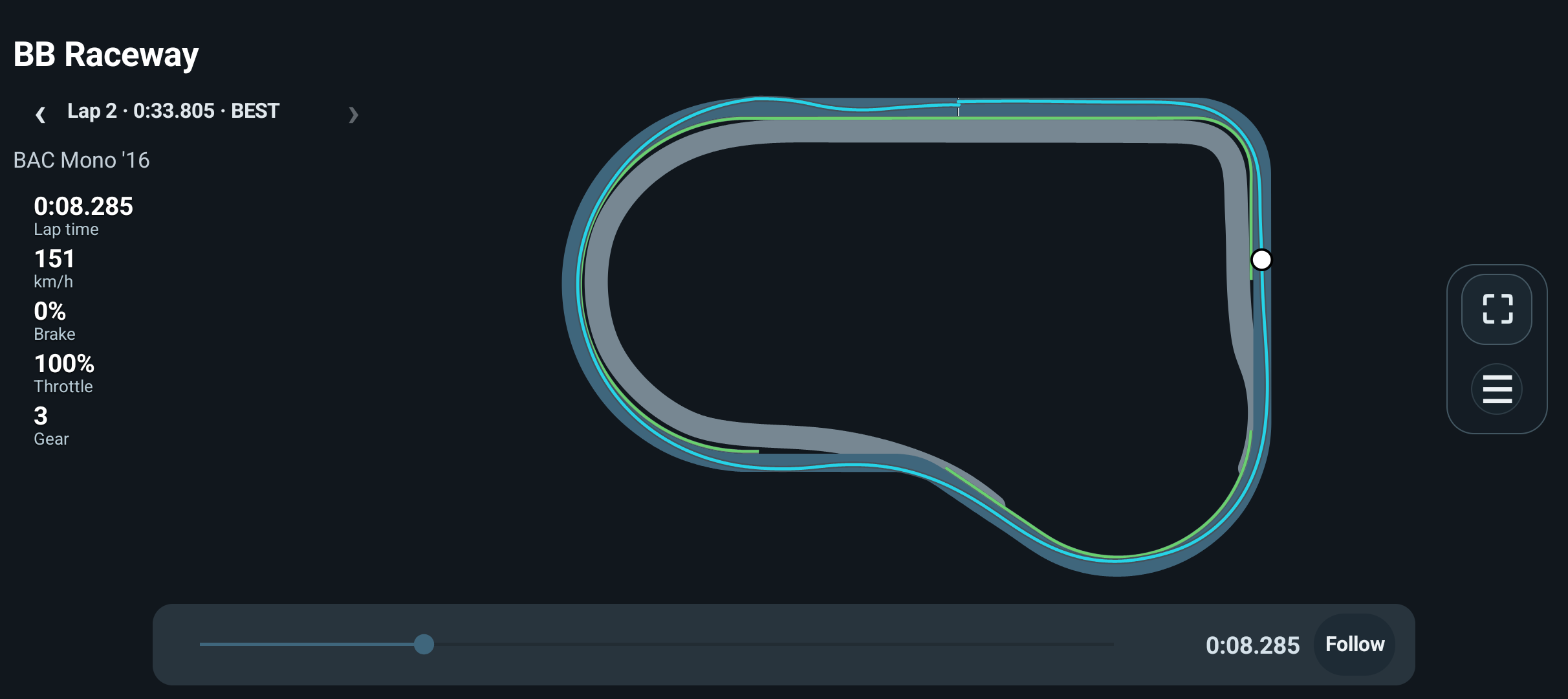
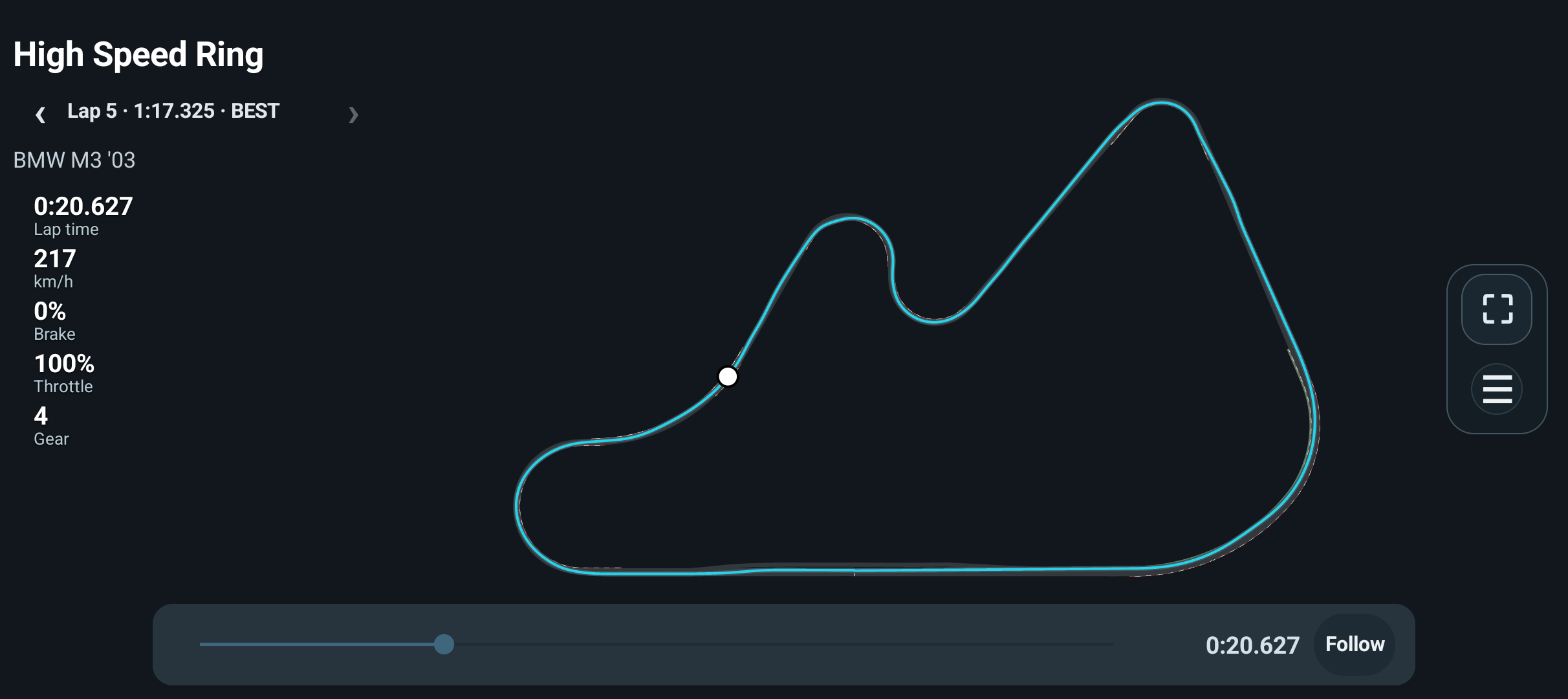
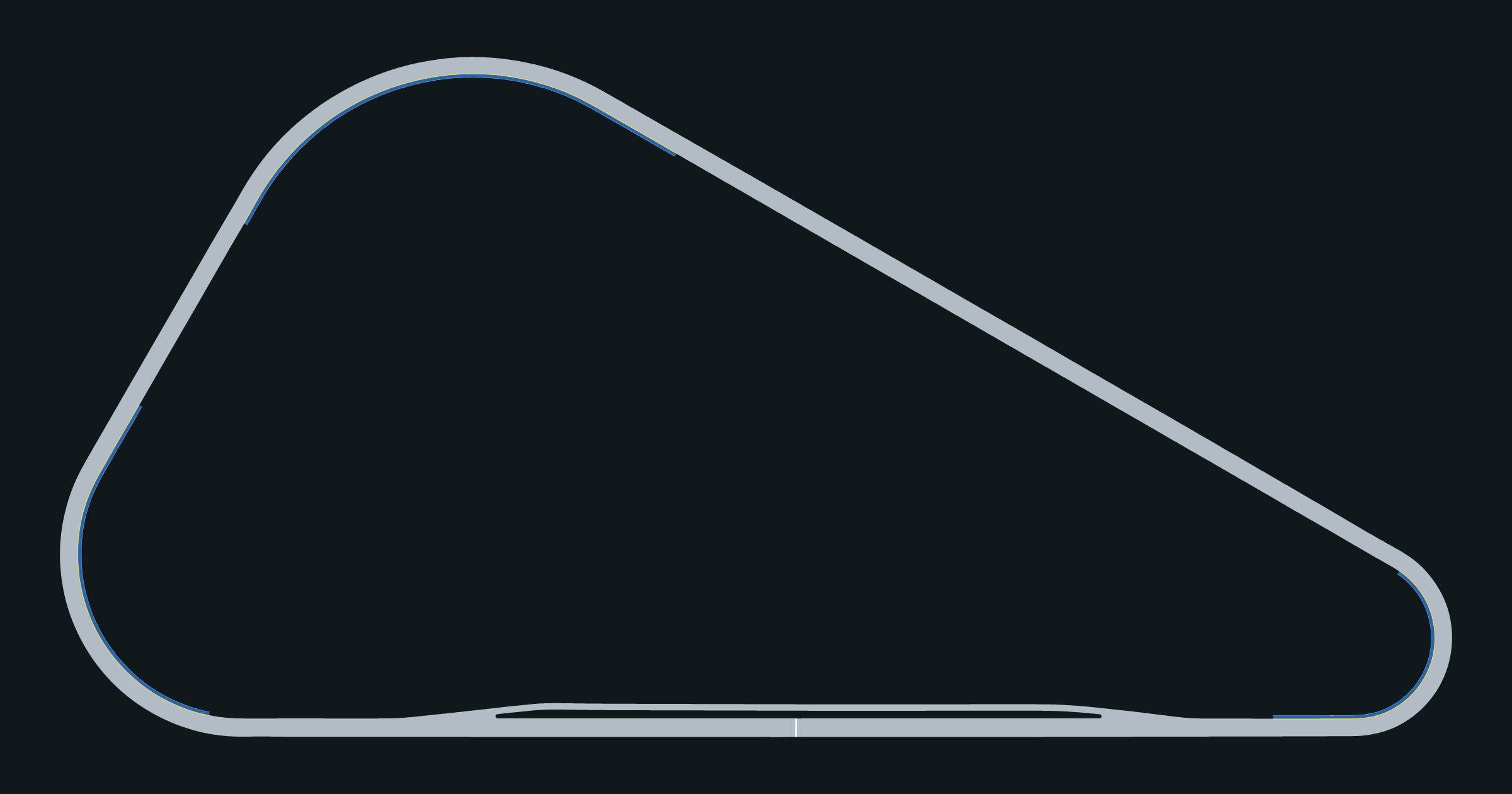
Where: Loaded LAB map; see five completed detailed Track Display projects and one basic-outline example below.
How to use it
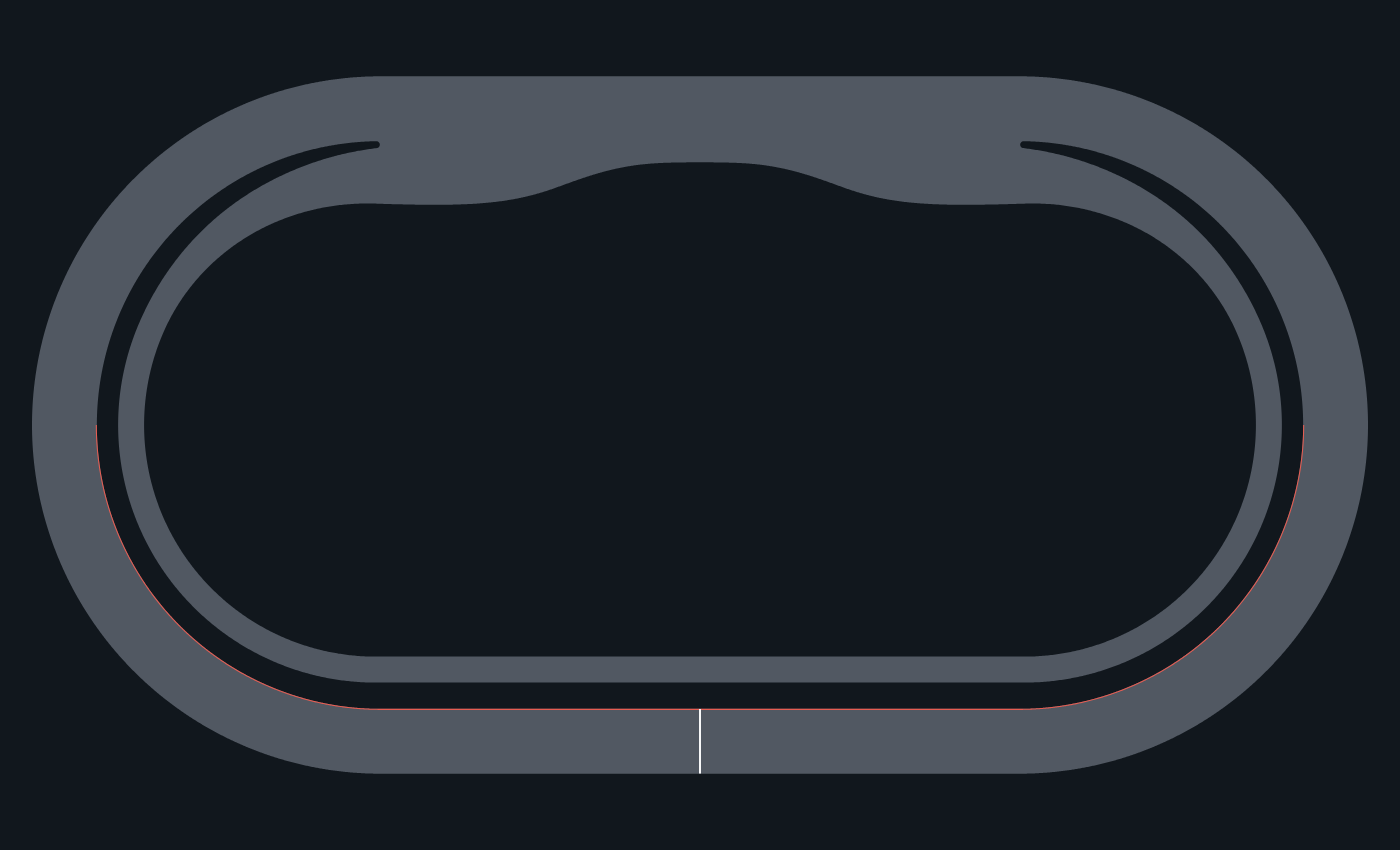
- A supported detailed Track Display can include approved pavement, paint and other explicitly modelled elements. The current gallery uses Tsukuba Circuit, Broad Bean Raceway, High Speed Ring, Blue Moon Bay Speedway and Northern Isle Speedway.
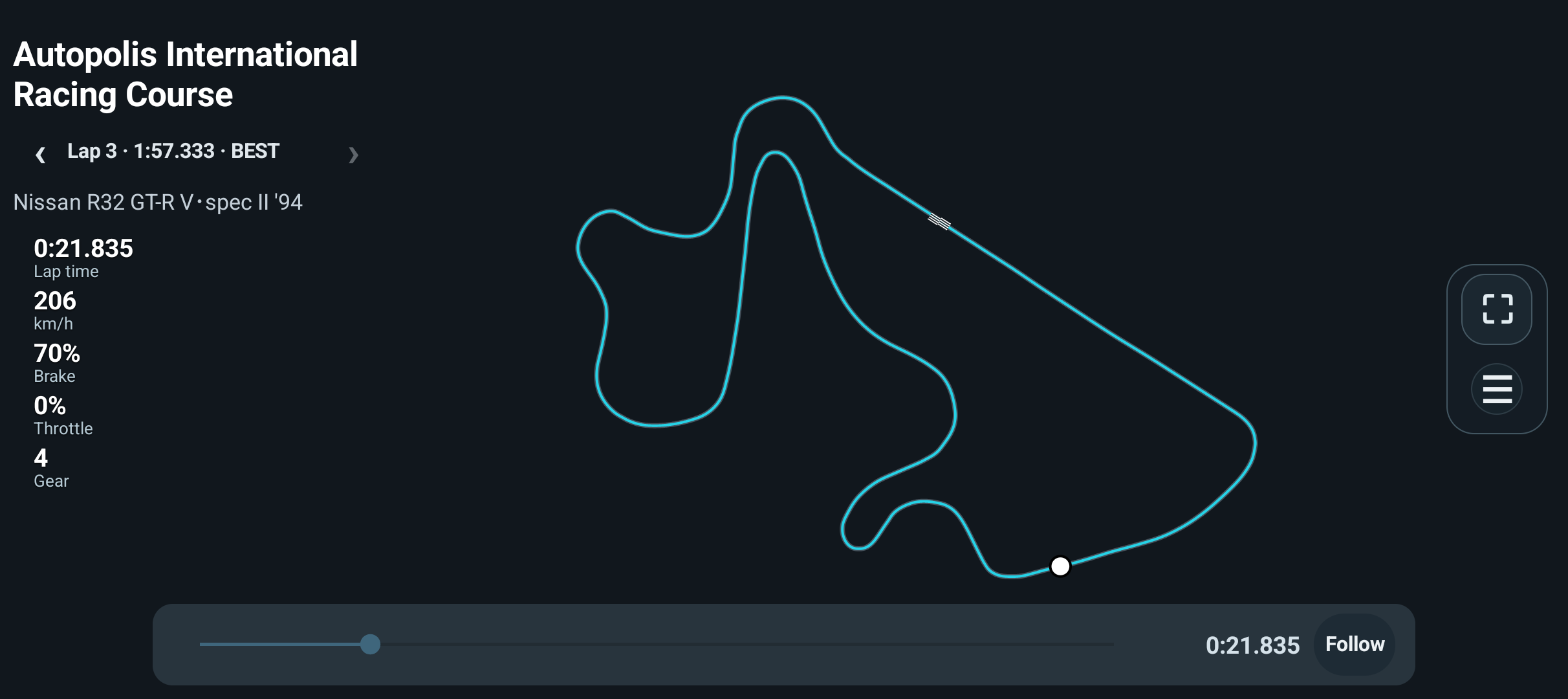
- For another supported layout, a basic outline/owned lap path can still give useful spatial context without detailed pavement or semantic features.
- Use Session details → Edit details to review a wrong track identification. Confirm the correction for that Session; entering an unknown name does not manufacture a detailed asset.
- Treat the start/finish display according to its evidence. A lap-counter transition alone is not universal proof of a geometric crossing.
- When a detailed display is unavailable, use the retained trace as basic spatial context rather than assuming that pavement and kerbs have been modelled.
Options and defaults
This workflow uses the explicit actions described above; it introduces no additional saved setting or automatic default.
How it works
The map asset, your trace and reference are separate layers. Northern Isle’s frozen unified MAIN/PIT surface and approved retained paint remain unchanged; no missing kerb or pit marking is invented for this manual. Forward/Reverse bindings reuse the canonical physical asset where implemented.
Limitations
Detailed displays are not available for every circuit. An outline is not a road-edge measurement or an approved optimal line.
Map availability
Blue Moon Bay is not part of the standard LAB map catalogue in the current app. The gallery shows its completed geometry using the Android renderer.
Gallery image provenance
Tsukuba, Broad Bean, High Speed Ring and Autopolis show retained laps in the app. Northern Isle and Blue Moon Bay are map-renderer images, not interactive app screenshots. Image sources and capture details.